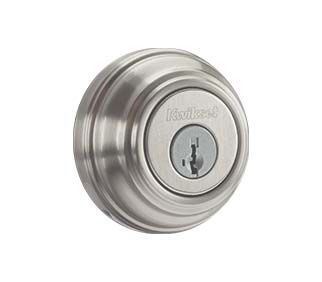
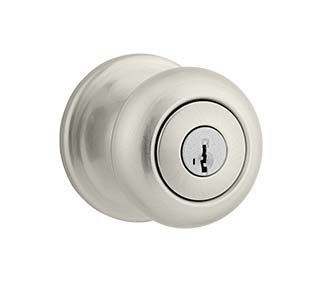
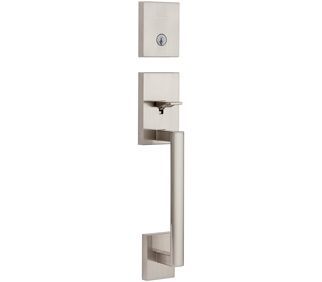
How to re-key your SmartKey Security™ locks?
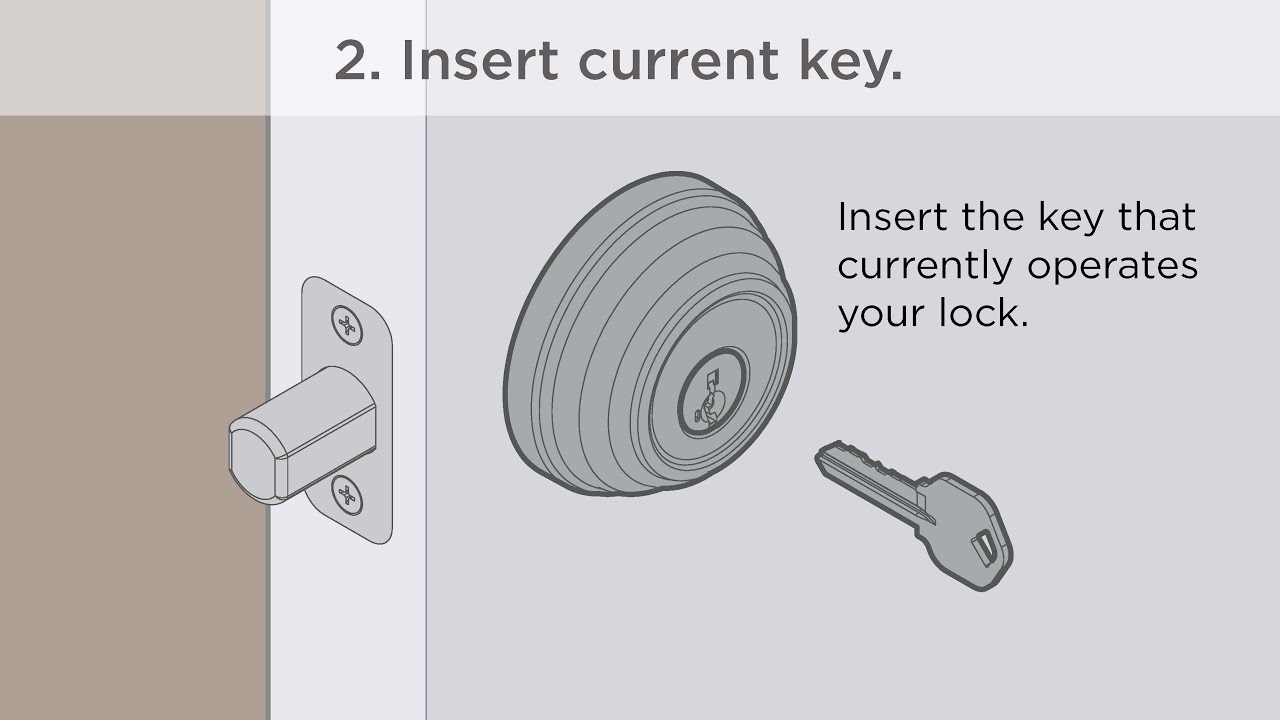
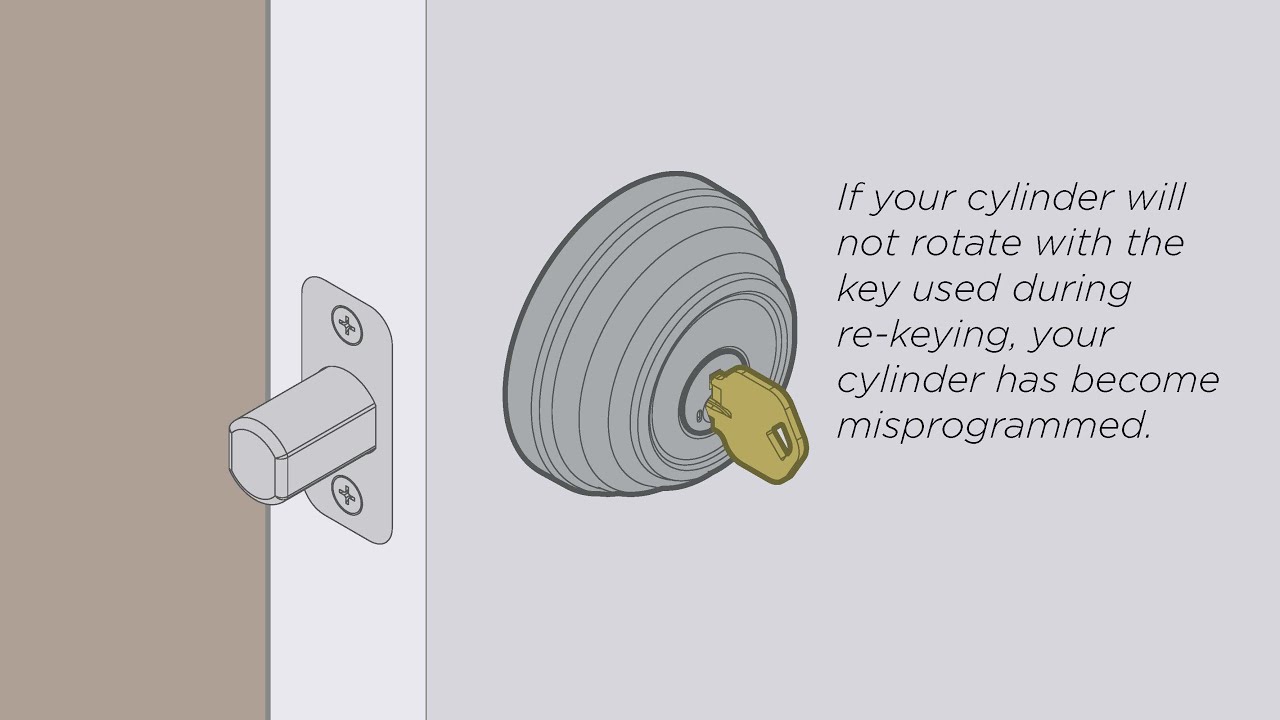
Prepare your door. Make sure your lock is installed on your door and that your door is all the way open. If you have a deadbolt, make sure it is in the locked potion. If you have a knob or lever, make sure it is in the locked position. Ensure your door cannot close on its own, or that you have another way to enter you home. Insert current key. Insert the key that currently operates your lock. Rotate the key 90 degrees clockwise. Insert the SmartKey tool fully and firmly into the SmartKey hole. You may feel the tool click inside the lock. Remove the SmarKey tool. Remove the current key. Insert the new key you wish to use with the lock. Make sure your key is FULLY inserted. The edge of the key touches the indent in the cylinder face. Without pushing or pulling the key, rotate it 180 degrees counter-clockwise. Then rotate they key 180 degrees clockwise. Pull the key to make sure it will NOT come out in this position. Rotate the key 90 degrees counter-clockwise, back to the starting position. Remove your new key. You have successfully re-keyed your lock. View Full Re-Keying Manual. Video How to Re-Key Your SmartKey Lock
Read More