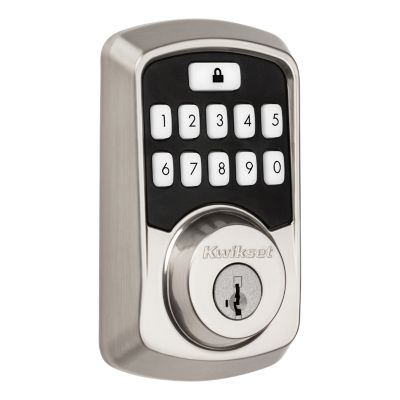
How do I Install Aura and Aura Reach?
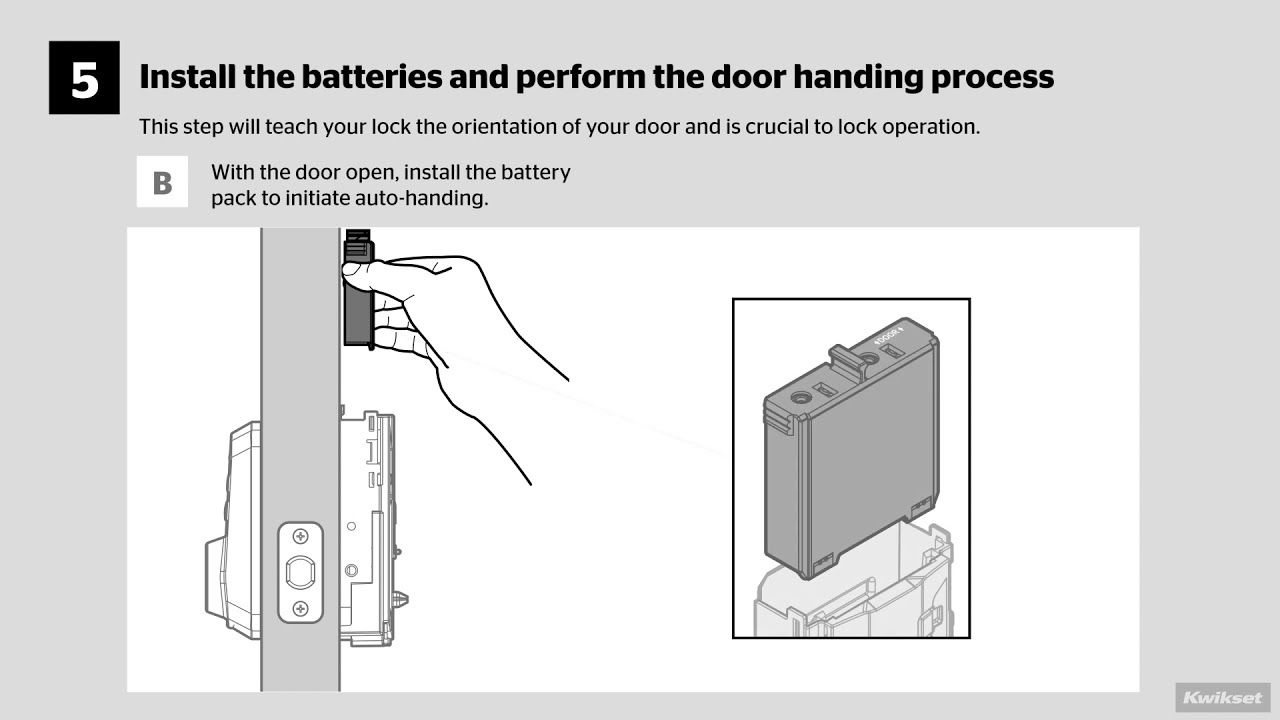
Both Aura and Aura Reach are easy to install in minutes with just a screwdriver – no hard wiring required. View Aura Installation Instructions. View Aura Reach Installation Instructions.
Read MoreTuesday, December 23rd: 7 am – 2 pm PST
Wednesday, December 24th: Closed
Thursday, December 25th: Closed
December 26th 27th, 29th, & 30th: Regular business hours
Wednesday, December 31st: 7 am – 2 pm PST
January 1st & 2nd: Closed
Normal business hours will resume on Saturday, January 3rd.
Support
Note: Do not use prints from this website to mark distances. Due to individual printers, dimensions on installation instructions may not print at an accurate scale.
Both Aura and Aura Reach are easy to install in minutes with just a screwdriver – no hard wiring required. View Aura Installation Instructions. View Aura Reach Installation Instructions.
Read MoreYes, the following lock settings can be turned on/off via the Kwikset App within Bluetooth range of your Aura lock: -LED -Audio/Beeps -Auto-Lock Click here to view instructions.
Read MoreAuto-lock is an optional re-locking feature where the Aura deadbolt re-locks itself after a period of time. Click here to view instructions on changing lock settings.
Read MoreYes, the auto-lock time delay can be customized using the Kwikset App within Bluetooth range Aura. The selectable time intervals are: 30 seconds, 1 minute, 3 minutes, 5 minutes, 10 minutes. Click here to view instructions.
Read MoreNo, auto-lock is triggered based on when it was last unlocked.
Read MoreAura In normal operating mode: Amber indicates locked. Green indicates unlocked. Red indicates low battery. For other operating modes, please see Aura installation guide. Aura Reach Tap the + icon in the top right corner of the Kwikset app to begin adding your new lock. Follow the installation and lock setup instructions until you reach the Bluetooth Pairing stage of lock setup
Read MoreYes, Aura will remain in its last known state when the batteries were exhausted.
Read MoreAura and Aura Reach have been designed to operate in a variety of climates and a wide range of weather conditions. Aura Exterior: Temperature -40°F to 150°F; Humidity 100% condensing Interior: 32°F to 140°F; Humidity 30% - 95% non-condensing Aura Reach Exterior: Temperature -40°F to 185°F; Humidity 100% condensing Interior: 32°F to 130°F; Humidity 30% - 95% non-condensing
Read MoreIf you forget your user code, Aura can still be unlocked using a key or authorized/paired smartphone. Request the Owner or Admin(s) of the Aura to resend or reset your user code.
Read More